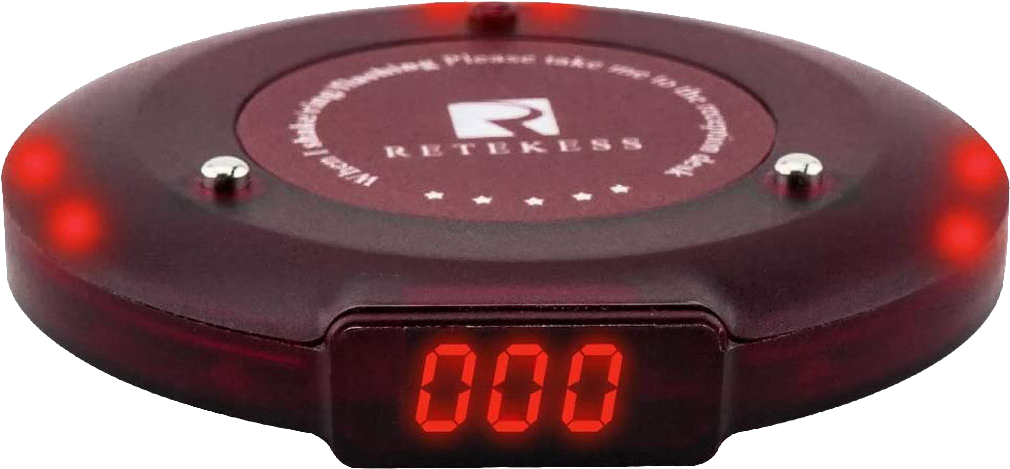
Wisely use this tool to control any Reketess T119 pager after capturing at least one signal from the keypad transmitter it's associated with. Need help?
How to capture a sample signal key
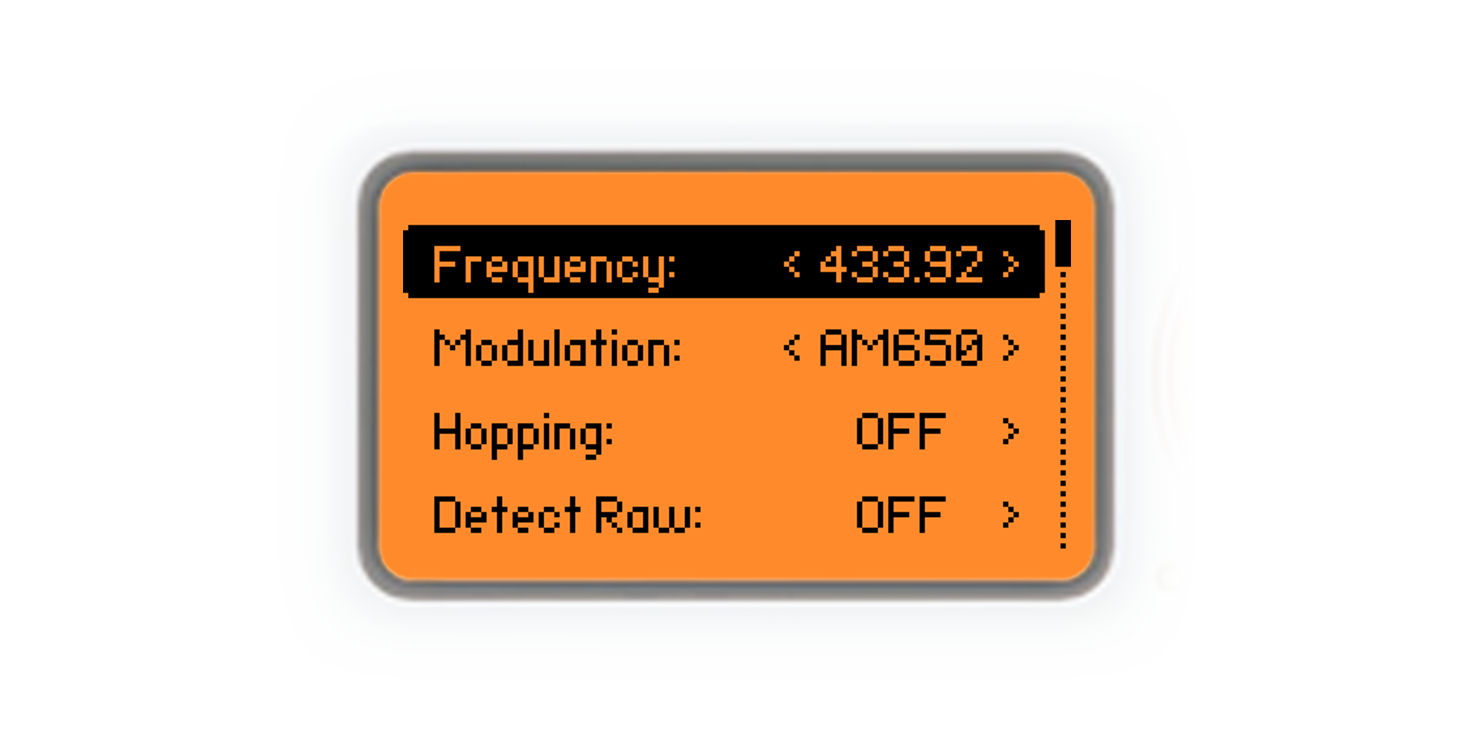
When you're close to your target pagers, pull your Flipper out of the pocket and go to Sub-GHz → Read, then hit Config and make sure your reading parameters are set like the ones you can see in the picture below
Then, leave Config by pressing the Back button. Now you're ready to capture any signal sent to any T119 pager around you. Sit down and wait patiently for any pager to be called
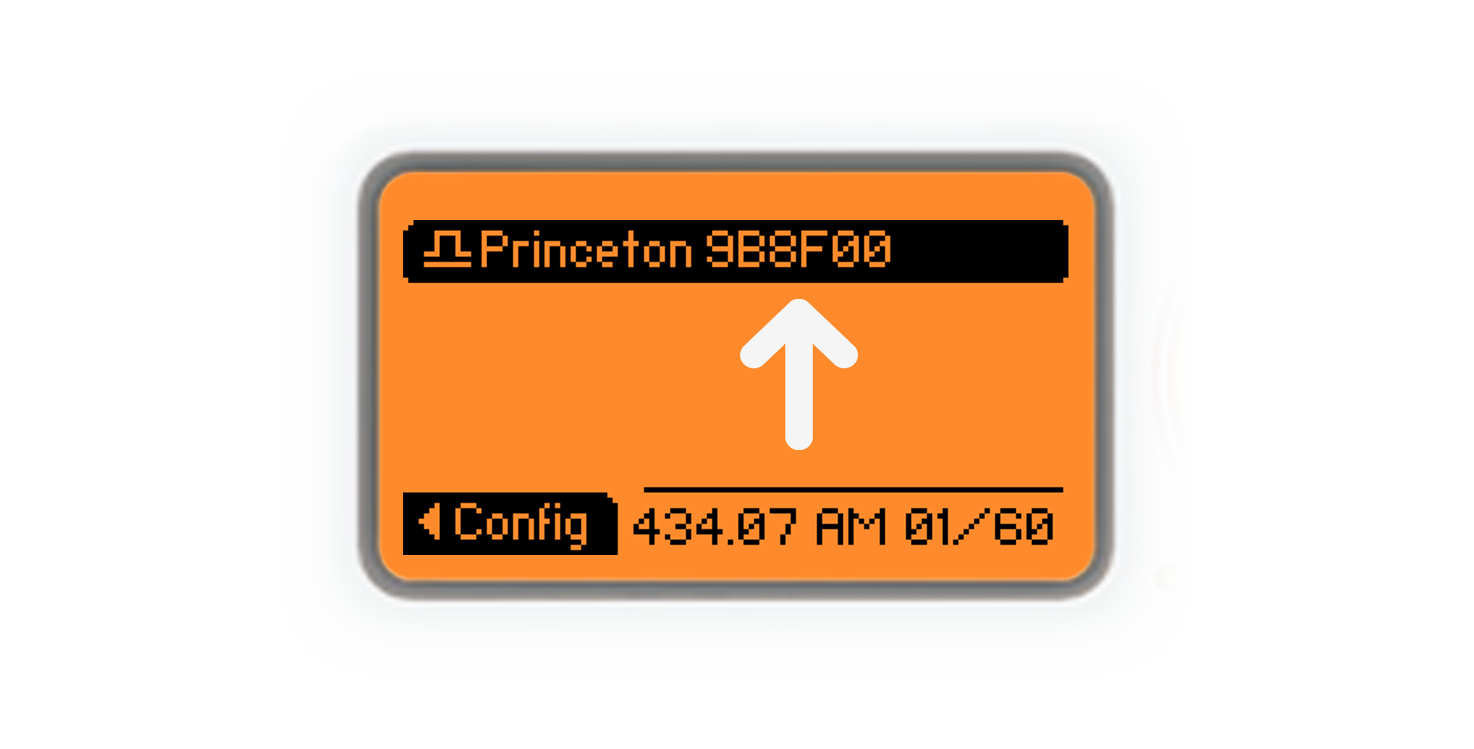
When a pager is called, your Flipper shows you a record like the one in the picture below. The six-digits hexadecimal code you can see after "Princeton" is your captured signal key
Use your key to generate .sub files. Upload them to your Flipper's SD Card (inside the subghz folder), then find and play them from Sub-GHz → Saved to control all the pagers associated with the same keypad